Shippo + QuickBooks Online: How to Automate Shipping and Accounting

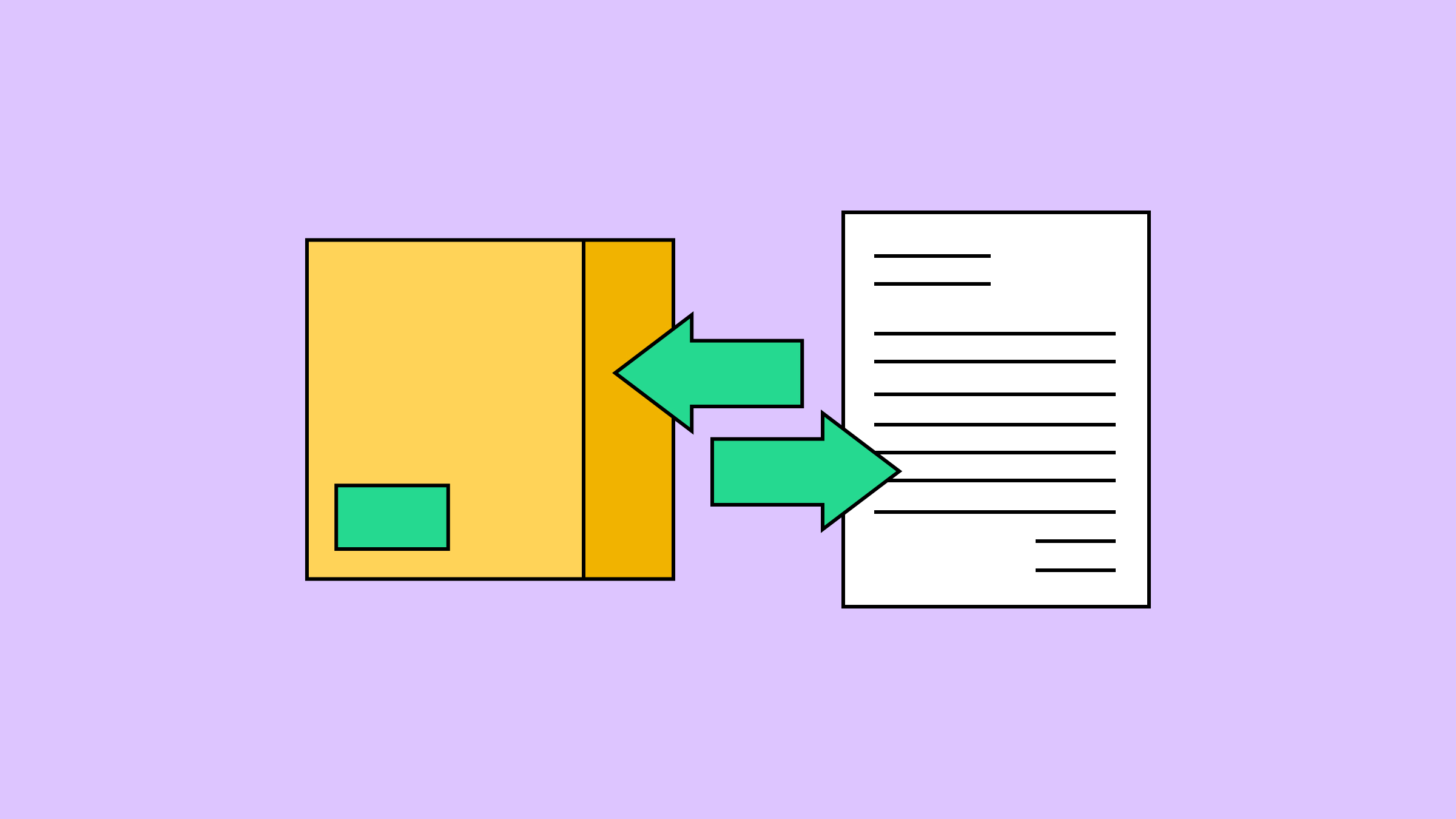
Shippo and QuickBooks Online connect through Zapier to automate the two workflows that cost invoice-based shippers the most time: creating orders in Shippo from QuickBooks invoices, and logging shipping costs back to QuickBooks after a label is purchased. Shippo and QuickBooks don't connect natively, but Zapier bridges them both ways, and each workflow takes about 15 to 20 minutes to set up.
In this article
- Does Shippo Integrate With QuickBooks Online?
- What Can You Automate Between Shippo and QuickBooks?
- Who Should Connect Shippo and QuickBooks?
- What Are the Limitations of the Shippo-QuickBooks Connection?
- Which Workflow Should You Set Up First?
- Frequently Asked Questions
Does Shippo Integrate With QuickBooks Online?
Shippo does not have a native, built-in integration with QuickBooks Online. The two products connect through Zapier, which acts as a bridge between them. Zapier watches for events in one app (like a new invoice in QuickBooks) and automatically triggers an action in the other (like creating an order in Shippo).
The connection works in two directions, each handled by a separate Zap:
- QuickBooks to Shippo: When you create an invoice in QuickBooks, a Zap automatically creates a Shippo order with the customer name, address, and line items pre-filled.
- Shippo to QuickBooks: When you buy a label in Shippo, a Zap logs it as an expense in QuickBooks with the cost, date, and tracking number.
You can run one workflow or both. Each is independent, so setting up the order creation workflow does not require also setting up cost logging, and vice versa.
Both workflows require a paid Zapier plan. Shippo's free Starter plan includes up to 30 labels per month with no subscription fee, so the Zapier plan is the only additional cost beyond what you already pay for QuickBooks.
What Can You Automate Between Shippo and QuickBooks?
The two workflows handle different parts of the shipping-to-accounting cycle. Here is what each one does, what it leaves manual, and how long setup takes.
| Order creation (QB to Shippo) | Cost logging (Shippo to QB) | |
|---|---|---|
| Trigger | New invoice, sales receipt, or paid invoice in QuickBooks | New shipping label purchased in Shippo |
| What it automates | Creates a Shippo order with customer name, address, and line items from the invoice | Creates a QuickBooks expense with the label cost, date, carrier, and tracking number |
| What stays manual | Carrier selection, service level choice, and label purchase in Shippo | Refund adjustments if a label is voided; linking the expense to a specific invoice |
| Pre-built template? | Yes, available at zapier.com/apps/quickbooks/integrations/shippo | No, you build this Zap from scratch in the Zap editor |
| Setup time | 10–15 minutes | About 20 minutes |
| Best for | Eliminating manual re-entry of order data from invoices into shipping software | Keeping shipping costs current in your books without batch entry at month-end |
For the step-by-step setup process for each workflow, see the dedicated guides:
- How to Connect Shippo and QuickBooks Online With Zapier covers the order creation workflow.
- How to Automatically Log Shipping Costs in QuickBooks Using Zapier and Shippo covers the cost logging workflow, including how to classify shipping costs correctly in your chart of accounts.
Who Should Connect Shippo and QuickBooks?
Not every business needs this. Here's who gets the most out of it.
You're a fit if QuickBooks is your order source. Wholesalers, B2B sellers, custom product shops, subscription box companies, and service businesses that occasionally ship all invoice in QuickBooks and then need that order data in Shippo without re-typing it.
You're a fit if you ship 30 or more orders per month. Below that, re-typing addresses and logging costs by hand is annoying but manageable (under an hour weekly). At 30+, the manual grind starts to add up, and per Zapier, employees commonly spend hours each week moving data between tools by hand. At 100+, both workflows together save hours per week and eliminate the address typos that force refunds and reshipping.
You're a fit if you need shipping costs in your books in near-real-time. If you batch-enter shipping costs at month-end and that works, the cost logging Zap is a convenience. If you track shipping margins per order, make pricing decisions based on current fulfillment costs, or have a bookkeeper reconciling shipping expenses weekly, it becomes much more valuable.
You don't need the order creation Zap if your orders come from Shopify, WooCommerce, Etsy, or another e-commerce platform. Those platforms have direct Shippo integrations that pull orders automatically without Zapier. The QuickBooks connection exists for businesses where QuickBooks is the primary system of record for orders, not an e-commerce storefront. (The cost logging Zap can still be useful alongside a store integration if you want shipping expenses in QuickBooks automatically.)
You can also skip the order creation Zap if CSV works for your workflow. QuickBooks can export invoice data as a CSV, and Shippo accepts CSV order imports for bulk label purchasing. This is a simpler option if you ship in batches rather than continuously throughout the day, or if you'd rather avoid the Zapier dependency for order creation. The cost logging Zap still pairs well with a CSV-based order workflow.
What Are the Limitations of the Shippo-QuickBooks Connection?
Here are the constraints to know before setup.
You're dependent on Zapier. Shippo and QuickBooks connect through Zapier, not directly. You need a Zapier account, reliability depends on Zapier's uptime, and changes to Zapier's pricing or either product's API can affect your workflows.
One-way only. Each Zap runs once per trigger event, in one direction. If you update a customer's address on a QuickBooks invoice after the Zap has already created the Shippo order, the Shippo order won't update. If you void a label in Shippo, the expense already created in QuickBooks stays there.
No tracking number write-back. When you buy a label in Shippo, the tracking number won't auto-populate on the corresponding QuickBooks invoice. You can build a third Zap to write it back, but you'd map to a custom field or memo on the invoice, which most businesses find overkill for the payoff.
QuickBooks triggers can lag. Zapier's QuickBooks Online triggers have documented reliability issues, with the "New Invoice" trigger sometimes delaying minutes to hours. For most sellers, that's fine since you're not printing labels the second an invoice lands. But if you need real-time order creation, this is a dealbreaker.
No label refund handling. If you void or refund a label in Shippo, the expense already logged in QuickBooks won't reverse automatically. You'll need to adjust or delete refunded expenses by hand, or build a separate Zap using a webhook to handle refund events.
Which Workflow Should You Set Up First?
If both matter to your business, you can start with either. Here's where most sellers get the biggest win:
Start with order creation (QuickBooks to Shippo) if your biggest pain point is re-entering customer names, addresses, and order details from invoices into Shippo. This catches the typos (transposed ZIP codes, misspelled streets) that send packages to wrong addresses and trigger return shipments you end up paying for twice.
Start with cost logging (Shippo to QuickBooks) if your books are the bigger problem. If your shipping costs are scattered across QuickBooks (entered late, miscategorized, or missing entirely from your P&L), this Zap logs every expense the moment the label ships, in the right account, with the tracking number for reconciliation.
Set up both if you ship 100 or more orders per month from QuickBooks invoices. At that volume, both handoffs are costing you meaningful time. Order creation alone saves the data entry, and cost logging closes the loop by keeping your books accurate without a separate reconciliation process at month-end.
Frequently Asked Questions
Can I use Make.com instead of Zapier?
Possibly. Make.com (formerly Integromat) supports QuickBooks Online and can connect to Shippo via HTTP/webhook modules or a native connector if available. Make offers more granular error handling and can be more cost-effective at higher task volumes. Check Make.com's app directory for current Shippo support before starting. The setup guides linked above are Zapier-specific, but the workflow logic and field mapping concepts apply to any automation platform.
How much does this cost?
Shippo's free Starter plan includes up to 30 labels per month with no monthly fees. The Zapier Starter plan runs $29.99 per month (or $19.99 per month billed annually). QuickBooks Online plans vary. The total incremental cost for most businesses is the Zapier subscription, since you likely already have Shippo and QuickBooks.
Does this work with QuickBooks Desktop?
QuickBooks Desktop and QuickBooks Online are different products with different APIs. Zapier's QuickBooks triggers and actions are built for QuickBooks Online. QuickBooks Desktop has limited Zapier support and may not expose the same triggers. If you are on QuickBooks Desktop, check Zapier's app directory for current compatibility before setting up a workflow.
Get Started
Both workflows require a Shippo account and a paid Zapier plan. If you don't have a Shippo account yet, you can create one for free with no monthly minimums and discounted carrier rates starting on your first label.
Setup guides for each workflow:
- How to create Shippo orders from QuickBooks invoices (pre-built template, about 15 minutes)
- How to log shipping costs from Shippo to QuickBooks (custom Zap, about 20 minutes)
Looking for a multi-carrier shipping platform?
With Shippo, shipping is as easy as it should be.
- Pre-built integrations into shopping carts like Magento, Shopify, Amazon, eBay, and others.
- Support for dozens of carriers including USPS, FedEx, UPS, and DHL.
- Speed through your shipping with automations, bulk label purchase, and more.
- Shipping Insurance: Insure your packages at an affordable cost.
- Shipping API for building your own shipping solution.
Stay in touch with the latest insights
Be the first to get the latest product releases, expert tips, and industry news to help you save time and money on shipping.
Loading...
Thanks for your submission!