

Pick and pack like an expert
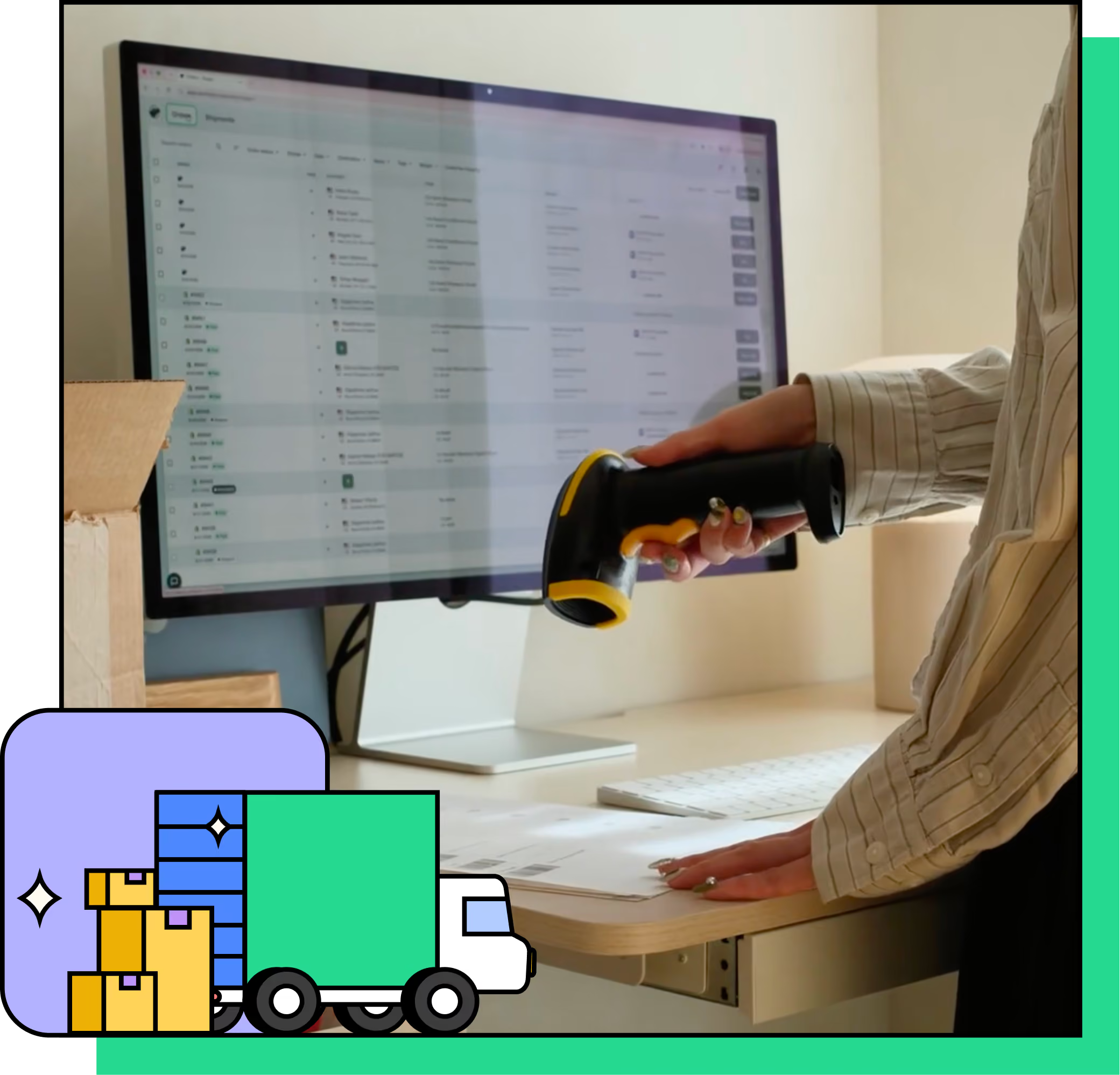
Run your packing station with a scanner instead of a mouse this peak season. With pick and pack in Shippo’s Pro and Premier plans, you’ll get orders out faster with fewer costly mistakes.
Try it freeBreeze through peak season

Less time on every order
A simple scan pulls up the order and prints the label. No more searching for orders and matching labels by hand.

Fewer mis-ships
Pick lists get the right items off the shelf. Packing slips confirm what belongs in each box before it's sealed.

Reduce WISMO
Orders that arrive complete and on time mean fewer support emails, fewer replacements to cover, and more repeat customers.
From packed to shipped in 3 steps
1
Pack the order
Use a Shippo pick list or packing slip to get the right items into the box.
2
Scan the barcode
The corresponding order pulls up immediately.
3
Print the label
Stick it on the box, and it’s out the door.
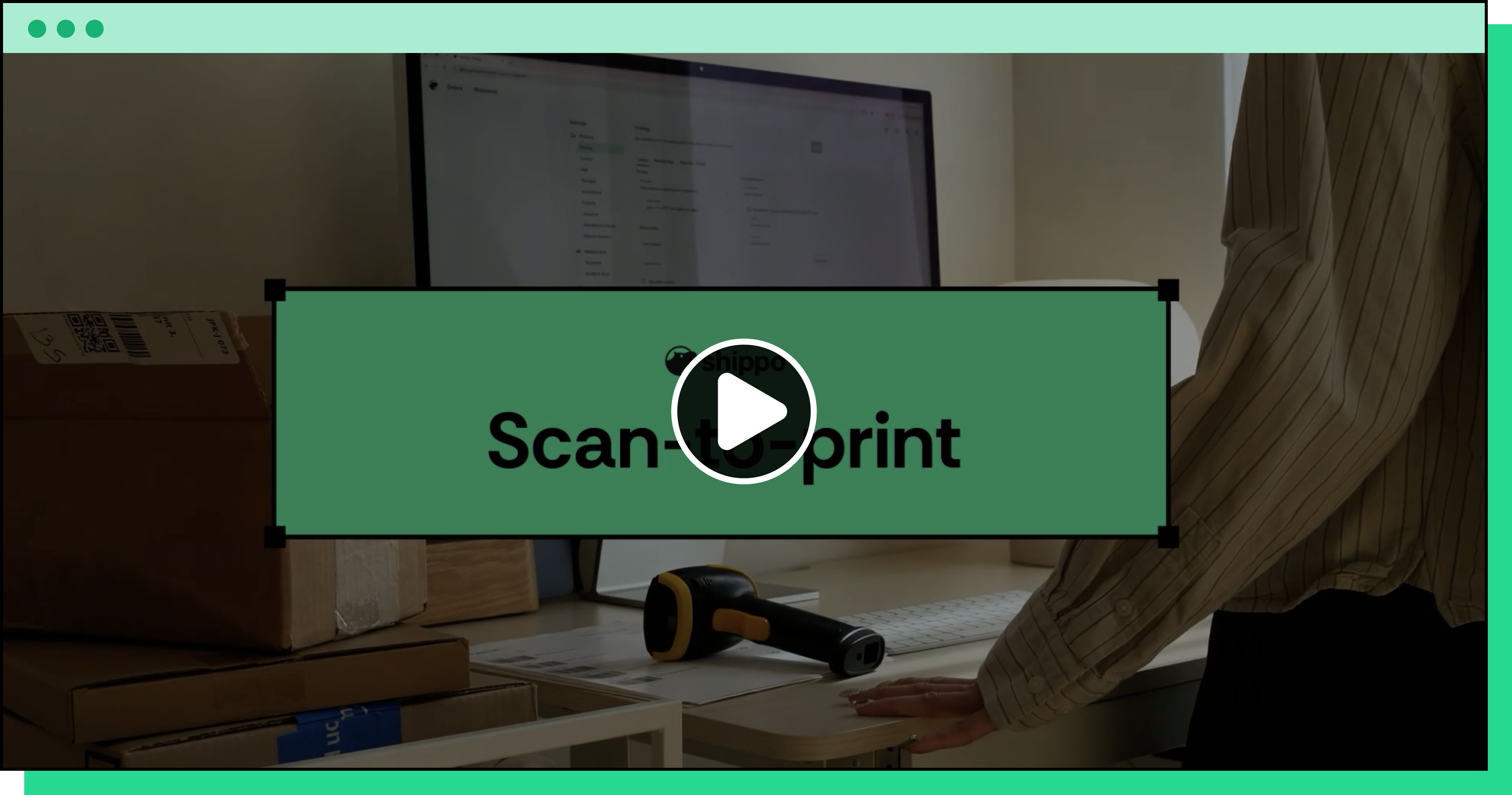
New! Scan-to-print
Ship it the second it's packed
Go from packing to shipping faster than ever. No more scrolling for the right order and matching it to the right label. That’s valuable time back to you.
All your orders. All set.
Everything happens inside Shippo, so store orders import and land ready to pack. Nobody needs to manually select the box, enter a weight, or decide on the best carrier and rate. It's all handled.

The right box, without anyone choosing it
Save the boxes you actually ship in, then set a rule for which one to use and when. For example, if the order has a poster in it, use the tube mailer. If it's a single T-shirt, use the 5x5x5 box.

The right carrier and rate, already selected
Set a default once and Shippo applies it to every order. Pick “Best” for the balance of cost and speed, or “Cheapest” when price is what matters. Or you can set one carrier as your default.
Make orders fly out the door this peak season
Peak is weeks away. Spend a few minutes setting this up now and your team spends the whole season getting orders out faster, with fewer mistakes to fix when you can least afford them.
Frequently asked questions

Is it right for my business?
How much does this cost?
What do I need to set up?
What kind of scanner and printer do I need?
Can I use more than one printer?